
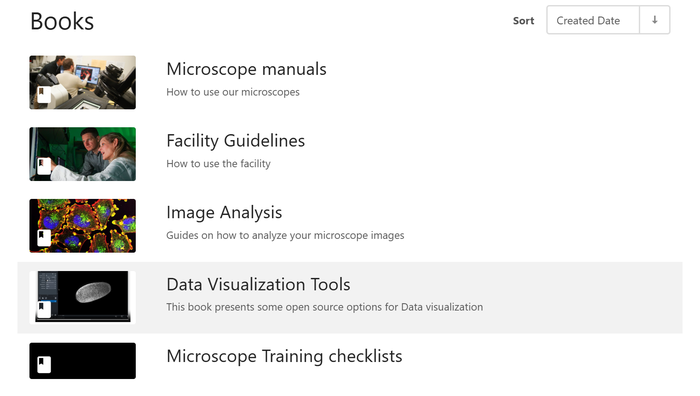
Reminder: Check out the ALMC Wiki!
Here is your reminder that the BioFrontiers Advanced Light Microscopy Core Facility has a Wiki to help users. Look into our Facility Guidelines for how to get trained on our instruments, check out our Microscope Manuals for information and how-to manuals on each of our instruments, or freshen up your memory on how to clean up oil objectives.
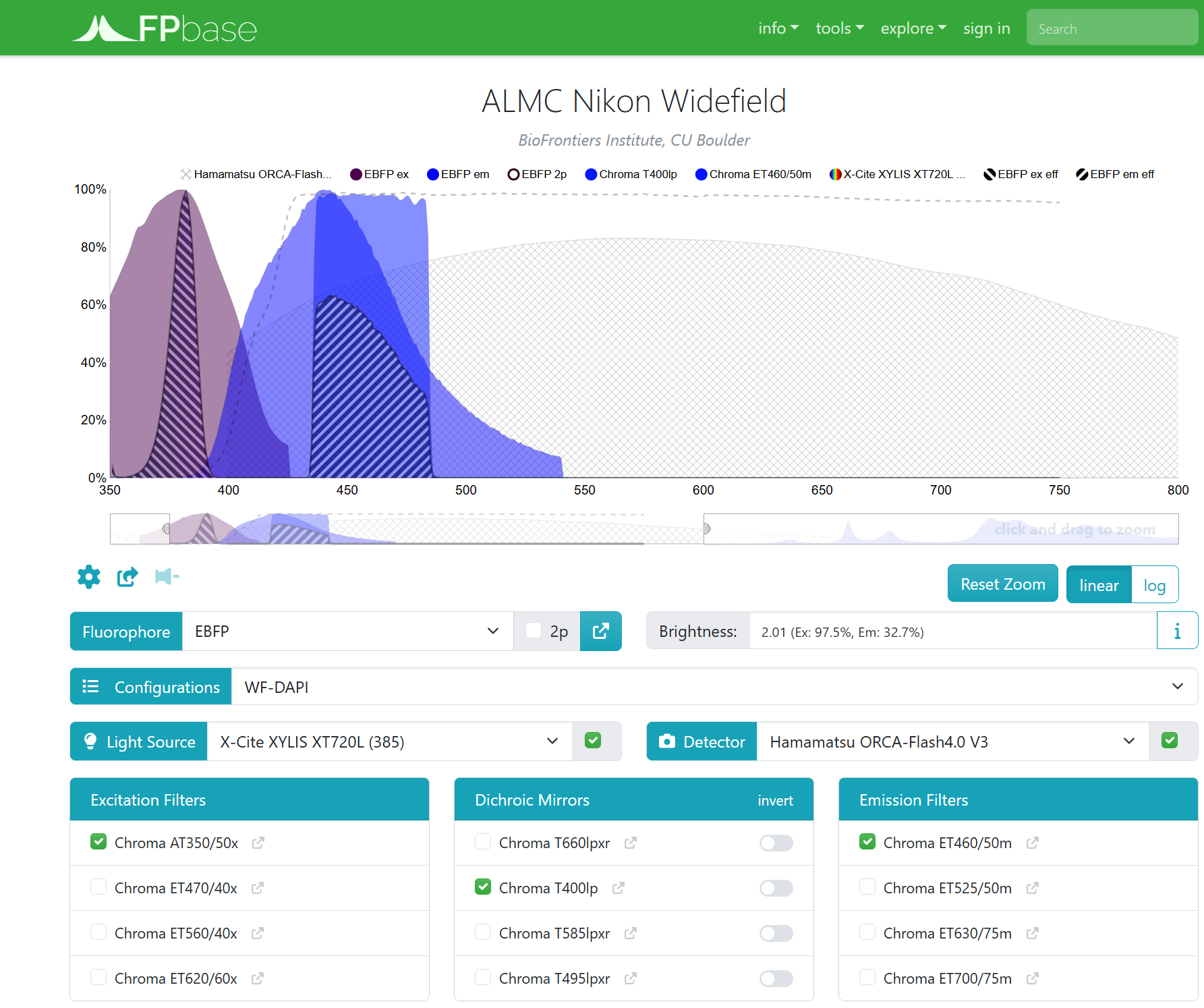
These microscope manuals include a specifications page for each instrument (ex: Widefield Microscope specifications) which includes informations about objectives, light sources, filters, and detectors for each system. Each specifications page also includes a virtual microscope (ex: Widefield Microscope virtual microscope), so that you can see which imaging configuration to use for best visualization of your fluorophores.
We'll be adding pages all the time!
Evolene now in charge of the laser scanning confocals
Evolene Premillieu is now in charge of the laser scanning confocals in the core facility: Nikon A1R, Nikon AXR, and Nikon NSPARC. She will train new users on the microscope, help you to troubleshoot errors, and aid you in image analysis related to the laser scanning confocals.
While anyone from the facility can help you if you have trouble, contact Evolene (email: evolene.premillieu@colorado.edu) for help if you cannot find her in her office (JSCBB C312). For help outside of business hours, continue to contact Joe Dragavon.
VS200 software now on the Imaris Analysis Workstation
The VS200 software is now installed on the Imaris Analysis Workstation. This software allows you to open .vsi images from the slide scanner, perform simple analysis, and batch export a different file type.
All users in the ALMC should have access to the Imaris reservation calendar through PPMS. There is no training required to use our analysis workstations. If you would like remote access to the computer, please, open a ticket by emailing biof-imaging@colorado.edu.